
On this page
Ask your host (or check your server) whether Apache serves HTTP/2 and whether it runs 2.4.71 or a vendor package that fixes CVE-2026-119618, then restart Apache. If no fix is available yet, turn HTTP/2 off in Apache until it is: servers that only speak HTTP/1.1 are not affected.
What CVE-2026-119618 is
A thread-safety bug in Apache's mod_http2 (in assign_headers()) lets one request corrupt memory that belongs to another, which can lead to remote code execution.
- Severity: Apache rates it critical; Red Hat scores it CVSS 9.8, unauthenticated, over the network.
- Affected: Apache HTTP Server 2.4.55 through 2.4.70, and the standalone mod_h2 module 2.0.8 through 2.0.42.
- Fixed: Apache 2.4.71, released November 11, 2026.
- Only with HTTP/2 on: servers that serve only HTTP/1.1 are not affected.
Sources: Apache security advisory, Red Hat CVE page, oss-security announcement.
First, the honest part: this is not a WordPress bug
The flaw is in Apache, the web server that can sit in front of WordPress. Apache handles the connection before any PHP runs, so:
- Updating WordPress core, plugins or themes will not patch it.
- Plugin firewalls such as Wordfence run inside PHP, before WordPress loads but after the web server has already handled the request. They can't stop a bug in Apache's HTTP/2 handling.
- A static site served by a vulnerable Apache with HTTP/2 turned on is exposed too. Leaving WordPress does not make your web server immune.
Why it still matters more on WordPress
If an attacker gets code execution as the web server user, what they can reach depends on what is on the server.
- A typical WordPress install: PHP files the web server can often write to, a live database with users, orders and form entries,
wp-config.phpwith the database password and salts, and an admin login to plant backdoors behind. - A static site (what WordPressEscape builds): HTML, CSS and images. No database to dump, no PHP for a backdoor to hide in, no admin panel. Recovery means redeploying the build.
You still have to patch the server either way. The difference is how bad a bad day gets.
Are you exposed? What to check
Your WordPress dashboard shows your PHP version, but not your Apache build or whether mod_http2 is patched.
On shared or managed hosting, ask your host: "Does the Apache server hosting my site accept h2 or h2c, has CVE-2026-119618 been fixed in the installed package, and was Apache restarted after the update?"
If you run your own server, check:
- The installed Apache and mod_http2 packages, and whether
http2_moduleis loaded. - Whether any reachable Apache listener or virtual host has
h2orh2cin itsProtocolsline. Apache's default ishttp/1.1only, so HTTP/2 has to have been switched on. - Your OS or control-panel vendor's advisory. Vendors backport fixes, so a version number alone doesn't prove anything either way. On cPanel,
rpm -q ea-apache24-mod_http2shows the EasyApache build; CloudLinux lists the fixed builds, including EasyApache 4's Apache 2.4.71. - What actually faces the internet. A CDN, load balancer, nginx or LiteSpeed may speak HTTP/2 to visitors while Apache only gets HTTP/1.1 behind it, or Apache may not be in the path at all. Check the protocol at the Apache origin itself, including any direct or internal route.
What to do now
- Managed or shared hosting: ask your host for its CVE-2026-119618 status and update schedule.
- Your own server: install 2.4.71 or your vendor's fixed package, then restart Apache.
- No fix available yet: remove
h2andh2cfrom Apache'sProtocolslines (including virtual hosts), restart, and confirm the origin no longer accepts HTTP/2. Turn it back on after patching. - Keep a current backup of files and database. It won't prevent this, but it is how you recover.
What's known so far
- October 26, 2026: Anthropic's OSS Scanner reported the flaw to Apache.
- November 3, 2026: Anthony Weems and Simon Scannell of Google Cloud Vulnerability Research reported it independently.
- November 11, 2026: Apache released 2.4.71 and published the advisory.
- Exploits: a researcher's public test setup shows memory corruption and crashed worker processes on 2.4.70, but no command execution. Wiz reported no public exploit and no exploitation in the wild as of November 11. None of the sources we reviewed reports a WordPress site compromised through this flaw.
The bigger picture
Every layer you run is a layer you have to patch: the web server, PHP, WordPress, and every plugin and theme. You can't remove the web server. You can take PHP, the database and the plugin stack out of the public path, and that is what moving to a static site does. See how WordPressEscape works.
Frequently asked questions
Will updating WordPress fix CVE-2026-119618?
No. The flaw is in Apache's HTTP/2 module, which handles the connection before WordPress or PHP runs. You need Apache 2.4.71 or your vendor's fixed package, or HTTP/2 turned off in Apache.
Does Wordfence or another security plugin protect against it?
No. Plugin firewalls run inside PHP, after Apache has already handled the HTTP/2 connection, so they never see the part that is vulnerable.
Is my site affected if I use Cloudflare or another CDN?
Possibly. The CDN may speak HTTP/2 to visitors while your origin Apache does or doesn't. What matters is whether Apache at your origin accepts HTTP/2, including from direct connections that bypass the CDN.
Is it being exploited?
As of November 11, 2026 Wiz reported no public exploit and no exploitation in the wild, and the public test setup shows crashes but not command execution. That can change quickly for a critical, unauthenticated flaw, so patch now rather than waiting.
Does a static site need this patch too?
Yes, if it is served by a vulnerable Apache with HTTP/2 on. A static site just has much less for an attacker to reach: no database, no PHP files to backdoor and no admin login.
See what your site is running on
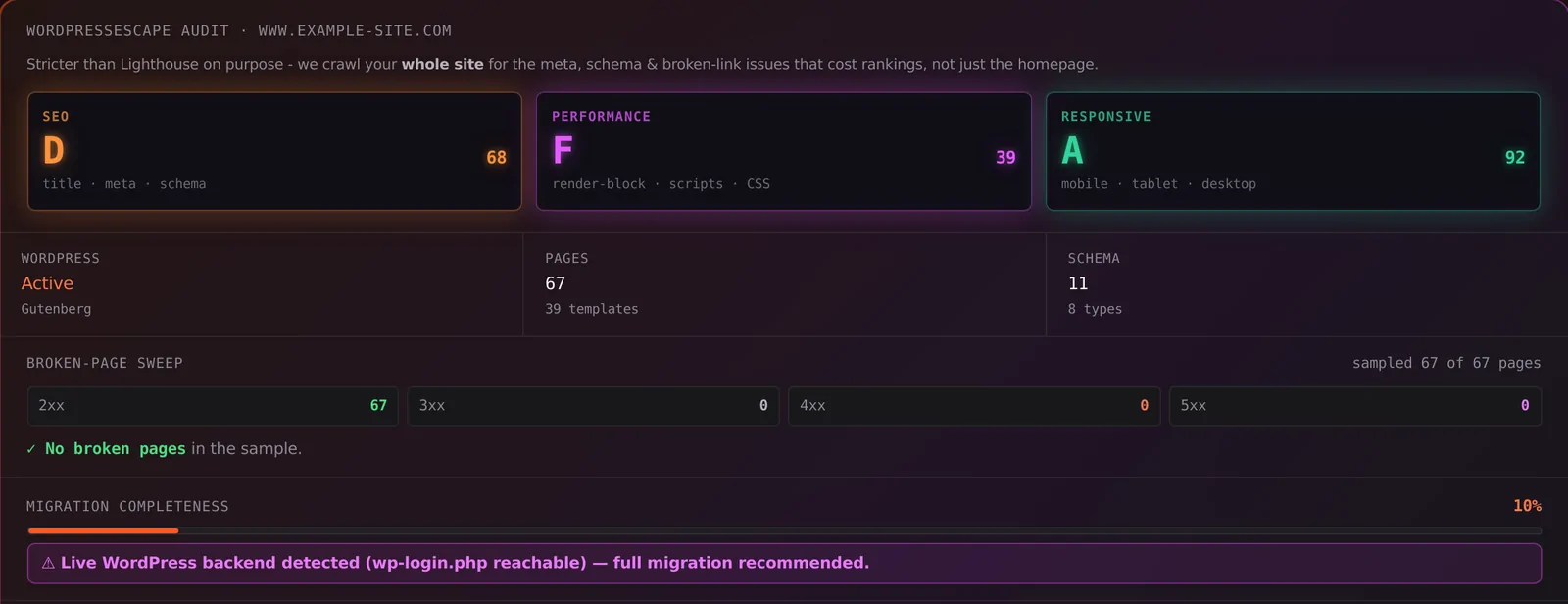
Free scan, 60 seconds, no login. We show your server stack, your PHP version and what your WordPress install exposes to the internet.
Scan my site free