On this page
WordPress migration SEO best practices: rebuild every URL at the same path, carry titles/meta/canonicals/schema, 301 only what must change, keep internal links, match or beat Core Web Vitals, regenerate the sitemap, and verify on a staging copy before cutover. Skip any of those and traffic drops. Wordpress Escape productizes that checklist.
The practices that actually matter
Agencies love 40-page PDFs. Five things move rankings:
- Same URLs
- Same (or better) metadata and schema
- Working internal links
- Equal or better speed
- A sitemap Google can fetch the day you cut over
That's migrate without losing SEO in practice. Also see SEO migration for WordPress.
What to stop doing
Don't launch on a new domain 'while you're at it.' Don't strip schema because the new theme doesn't have Yoast. Don't 301 everything through a single homepage. Don't change DNS on a Friday without a rollback host.
How we enforce the checklist
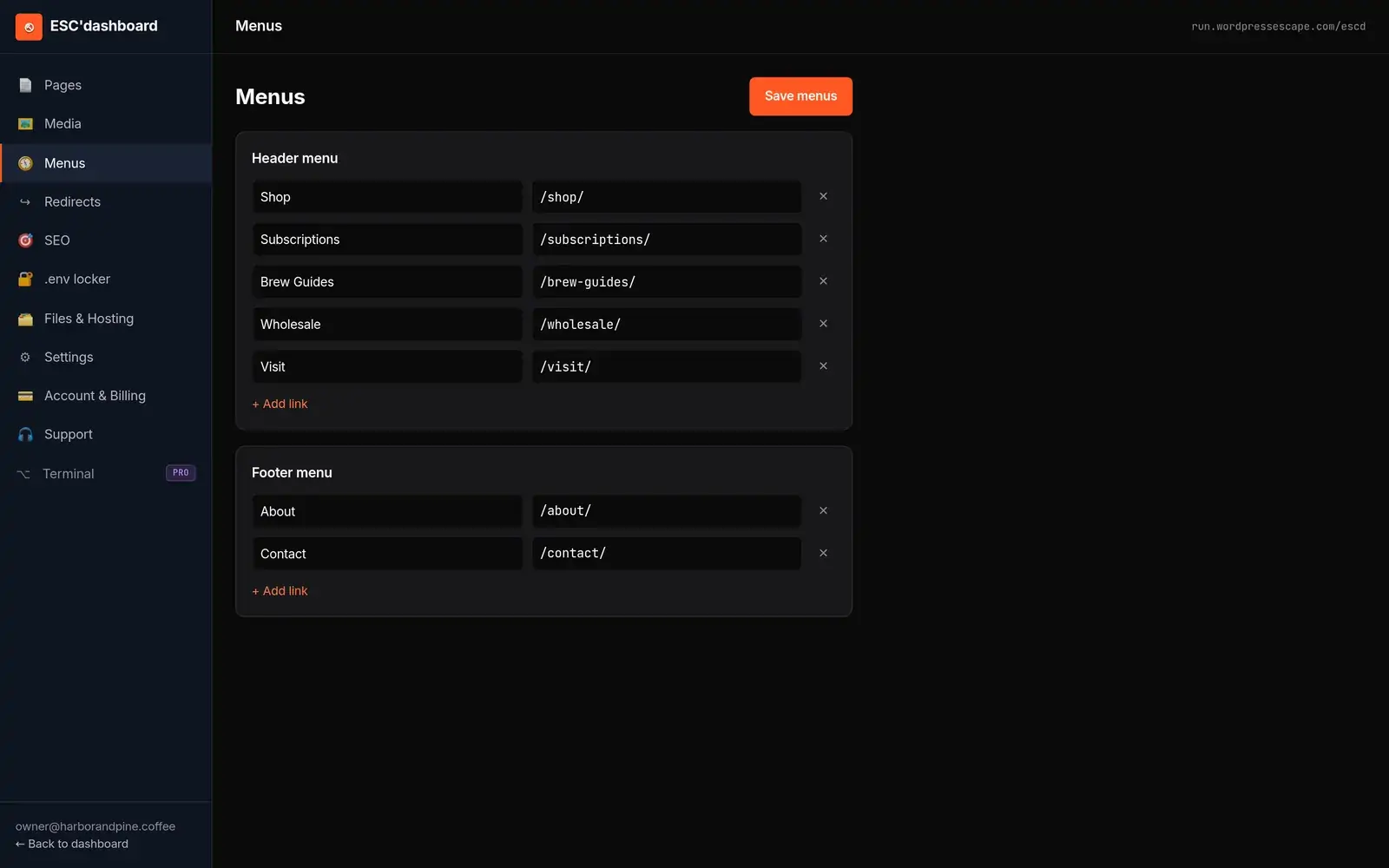
Scan → calibrate → adjust → migrate (SEO engine + FAQs) → verify → human DNS modal. Menus and 301s land in ESC'dashboard. 528,854 pages, zero URLs lost. Mini from $199.
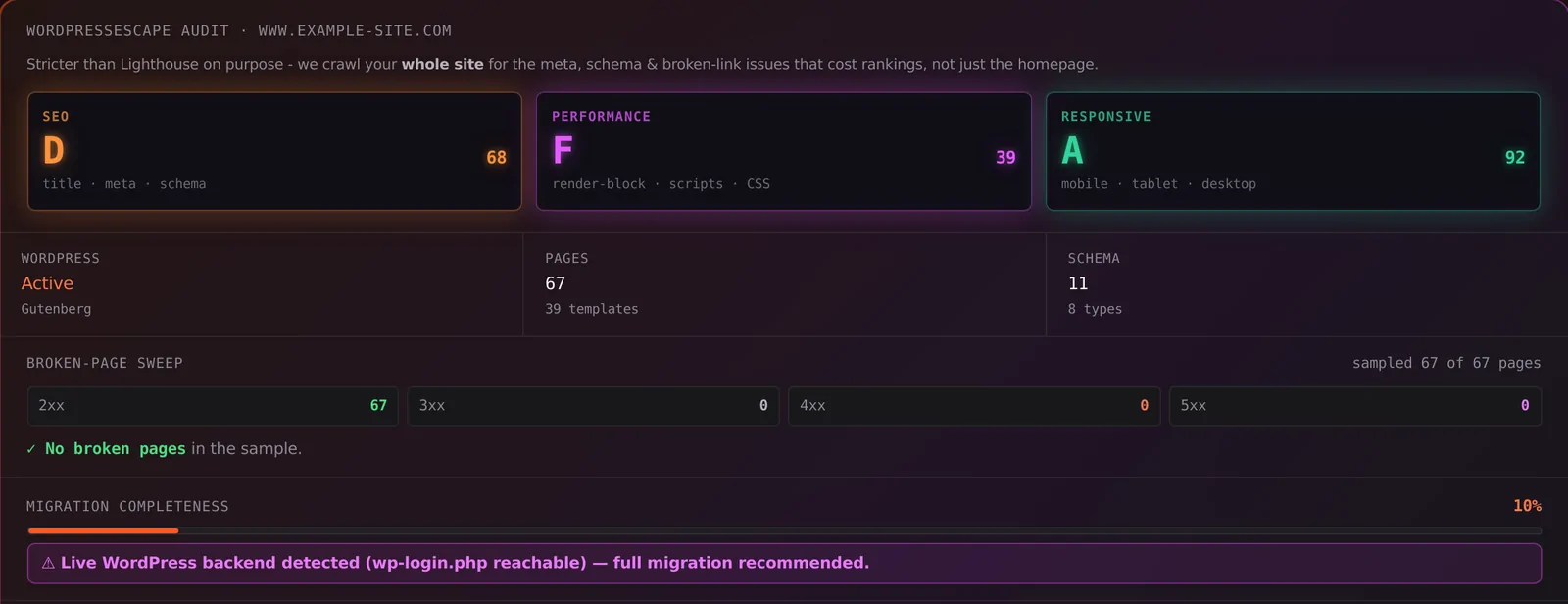
You'll see missing H1s, short meta, and schema gaps before you pay.
Frequently asked questions
What are WordPress migration SEO best practices?
Keep URLs, port titles/meta/canonicals/schema, map only necessary 301s, preserve internal links, match or beat Core Web Vitals, resubmit the sitemap, and verify on staging before DNS.
Should I change permalinks during a WordPress migration?
No. Migration is the worst time to redesign the URL scheme. Keep paths; 301 only unavoidable changes.
Who follows this checklist for you?
Wordpress Escape. It's productized, not a custom 6-month agency rebuild.
Run the checklist against your live site
Scan your URL free (60 seconds, no login). You'll get SEO, Performance, and Responsive grades plus a migration spec - then checkout on Stripe if you want us to do it.
Scan my site free