
On this page
CVE-2026-119977 affects WordPress 4.7 through 7.1.3. During a full-package Core upgrade, WordPress unpacks installer files into a predictable path under /wp-content/upgrade/. On many hosts that path is web-reachable, so an unauthenticated attacker who hits setup-config.php in that brief window can execute code. Update to 7.1.4 (or your branch's patched release). Updating runs the vulnerable process one last time - Wordfence recommends blocking PHP in /wp-content/upgrade/ at the server first. A static site has no upgrade staging directory and no PHP installer to race.
What the upgrade-window RCE actually is
Wordfence's November 2026 advisory names it clearly: unauthenticated remote code execution in WordPress Core, tracked as CVE-2026-119977, affecting versions 4.7 through 7.1.3.
When WordPress applies a full-package Core update, it stages the new files under a predictable directory like /wp-content/upgrade/wordpress-…/. That tree often includes the installer (setup-config.php). On many servers the staging tree is reachable from the public web and PHP will execute there. An attacker who requests the installer while the upgrade is in progress can finish a staged install, create an admin, and drop malicious PHP - full site compromise from a race lasting seconds.
Wordfence reports the lab window is short. That is why the attack traffic is continuous polling, not one-shot requests: keep hammering predictable paths and hope a site starts updating.
Attackers are already probing - this is not theoretical
Wordfence says exploit attempts began on October 28, 2026, the day the patch shipped. By early November their firewall had blocked over 240,000 attempts. Observed requests look like:
GET /wp-content/upgrade/wordpress-6.9.11/setup-config.php
CISA added the CVE to its Known Exploited Vulnerabilities catalog. The Hacker News and national CERTs covered the same pattern: sustained polling of upgrade staging paths across many sites.
Free Wordfence gets the firewall rule 30 days after Premium (November 27, 2026 on Wordfence's timeline). Premium users with an optimized firewall in Extended Protection mode are protected during the update. Everyone else is racing the scanners.
Why 'just keep WordPress updated' is the trap
The irony is hard to miss. The safe advice for years has been: always update Core. This bug lives inside the update process. Updating from a vulnerable version to 7.1.4 still runs the vulnerable staging path one last time. Wordfence still says update ASAP - and block PHP under /wp-content/upgrade/ at the web server before you click Update if you can.
That is the WordPress security treadmill in one CVE:
- You must update, or you stay vulnerable forever.
- Updating opens a race attackers are actively polling for.
- Plugin and theme updates keep adding their own windows.
- A WAF helps only if it is in the right mode and inspecting standalone PHP files that never load WordPress.
php2shell showed that updating WordPress does not update PHP. This one shows that updating WordPress Core can itself be the attack surface. Two different layers, same recurring lesson.
What to do if you still run WordPress
- Update to WordPress 7.1.4 or the patched security release for your branch. Sites with automatic background updates should already be there - verify; do not assume.
- Before you update, block web access to PHP files under
/wp-content/upgrade/at the server (Apache/nginx rule). Wordfence documents this as an extra precaution. - Review access logs for requests to
setup-config.phpor other PHP under/wp-content/upgrade/. - Do not treat a WAF alone as the fix. The firewall must see those standalone installer files; Wordfence needs optimized Extended Protection for that path.
- Plan the exit. Every Core release is another chance for a race, a plugin RCE, or a PHP runtime bug. Static HTML does not run an upgrade installer.
Or remove the upgrade surface
A static site has no /wp-content/upgrade/, no Core auto-updater, and no PHP installer sitting briefly on a public URL. There is nothing for the scanners to race. That does not make you unhackable - DNS, hosting logins and your build pipeline still matter - but this entire class of Core upgrade RCE stops applying.
We already lived through php2shell (a PHP runtime RCE WordPress cannot patch from wp-admin). Now Core itself has an actively probed upgrade-window RCE. If your marketing site is mostly brochure pages, the honest question is why it still needs a PHP app that updates itself over HTTP.
PHP2Shell: the PHP bug · Recurring WordPress security problems · Get rid of WordPress
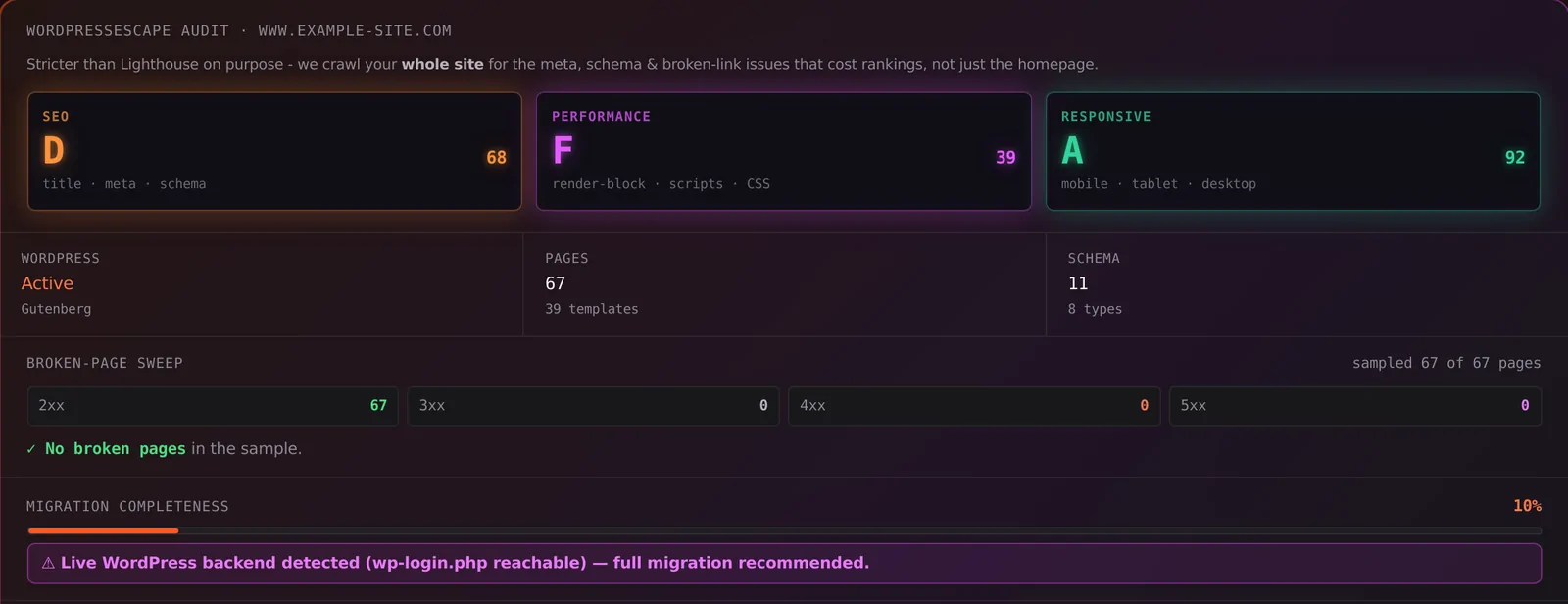
We'll tell you if the site still looks like WordPress from the outside - login URL, generator tags, and the paths attackers fingerprint.
Frequently asked questions
Is CVE-2026-119977 a plugin bug?
No. It is in WordPress Core's full-package upgrade process. Themes and plugins are irrelevant to the root cause. Patched in WordPress 7.1.4 and backported branch releases on October 28, 2026.
How long is the exploit window?
Wordfence observed only seconds in lab environments. Attackers compensate by continuously polling predictable /wp-content/upgrade/ paths so they are present the moment an update starts.
Does updating fix it safely?
You still need to update - staying on 7.1.3 or older leaves you vulnerable forever. The update itself briefly re-runs the vulnerable staging path. Block PHP in /wp-content/upgrade/ at the server first when you can, then update, then confirm you are on 7.1.4+.
Does Wordfence stop this automatically?
Premium / Care / Response with an optimized firewall in Extended Protection mode can block the standalone installer requests. Free Wordfence receives the same rule 30 days later (Wordfence cited November 27, 2026). A default plugin install without Extended Protection may not inspect those files.
Can a static / Hugo site be hit by this?
No. There is no Core upgrade, no staging directory, and no PHP installer. Static hosting still has real risks (stolen logins, DNS, supply chain), but not this race.
Will migrating off WordPress hurt SEO?
Done correctly, no. Keep URLs, titles, meta, schema and redirects. Removing PHP and plugin bloat usually helps Core Web Vitals rather than hurting them.
See whether your site still runs WordPress Core
Free scan, about a minute, no login. We fingerprint Core, wp-login exposure, and the markers attackers look for.
Scan my site free