
On this page
To score 90-100 on PageSpeed Insights you need fast TTFB, almost no render-blocking CSS/JS, optimized LCP images, and zero layout shift. WordPress generates HTML on demand, so it fights that. Static sites on a CDN (Hugo + Cloudflare) are how we hit 99-100 on migrated client sites. You don't need a 100 to rank - but you do need to leave the 40s.
What a 100 is made of
Lab PageSpeed is Lighthouse on a simulated phone. You win by not giving it work: no PHP, no unused CSS, no 20 scripts. That's a static page with a couple of deferred scripts, not a CMS.
The WordPress 70 ceiling
We've watched sites with LiteSpeed + Imagify + a $200 theme stall in the 60s - 70s. The homepage might look OK; inner pages die. Google crawls more than the homepage. Our scanner does too.
What we actually scored
Baltimore Trips: mobile 35 → 99 after Hugo. Unlimited Charters: 528k pages, static, edge hosted. That's the PageSpeed 100 path: leave WordPress, keep URLs, host on the edge.
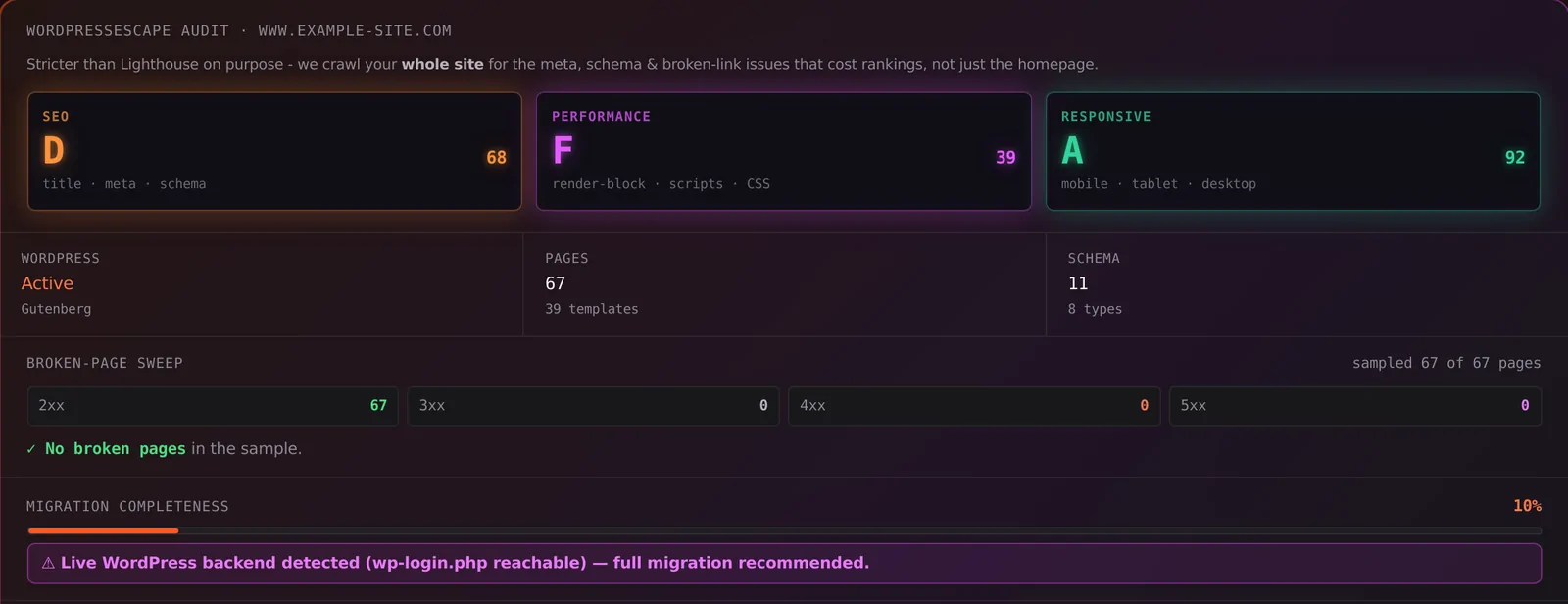
The free audit includes a Performance grade stricter than a homepage-only Lighthouse run.
Frequently asked questions
Is a 100 PageSpeed score possible on WordPress?
Rarely on a real business site with forms, a builder, and analytics. Static HTML is how 90-100 becomes normal.
Do I need 100 to rank?
No. Aim for good Core Web Vitals. A 100 that nobody can edit is worse than a 94 you can maintain in ESC'dashboard.
How does Wordpress Escape get high scores?
We delete WordPress, serve pre-built HTML from Cloudflare, and don't ship page-builder CSS. Forms and search are rewired so they still work.
What's your score right now?
The free 60-second audit on Wordpress Escape shows your real PageSpeed, Core Web Vitals, SEO gaps, and page count - then a done-for-you Hugo migration deletes WordPress, keeps every URL, and hosts on Cloudflare's edge.
Scan my site free